


Eurus PC Bundle - GeForce GTX 1650 - Intel Core i3 14th gen - 8GB - 500GB - Black
Product SKU : EX200-018- Pro Refurbished
- RAM: 8 GB / Storage: 500 GB
- Nvidia GeForce GTX 1650
- Asrock 24 Inch Monitor
- Plug-and-Play Gaming Bundle
Product Description
Reasons to buy CyberPower Desktop Monitor Bundle:
|
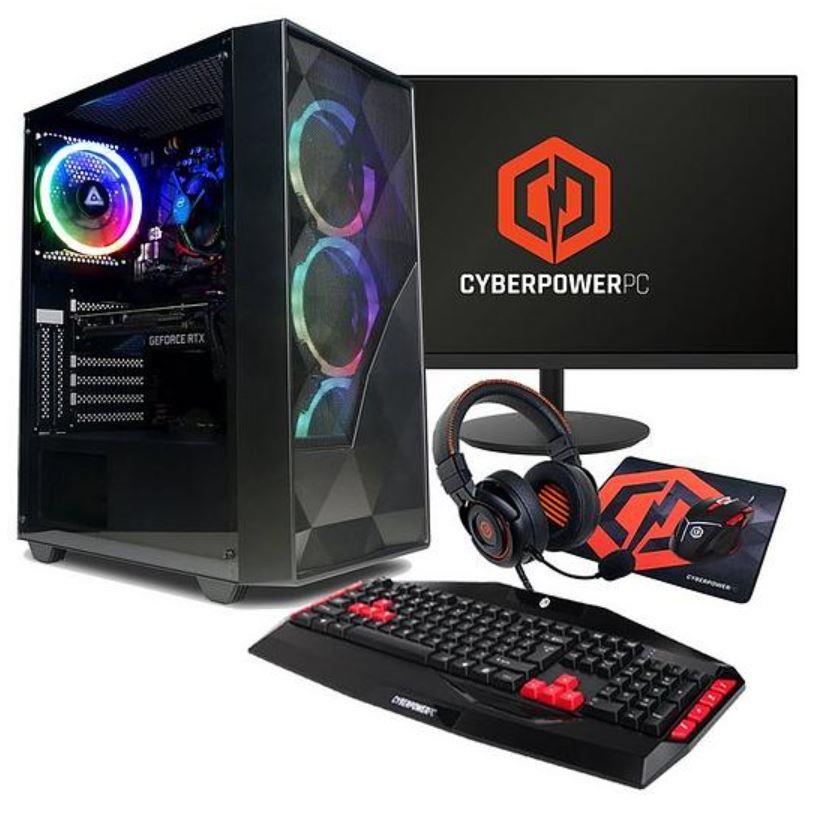
What's Included-
- Eurus PC Bundle - GeForce GTX 1650 - Intel Core i3 14th gen - 8GB - 500GB - Black
- 23.8in FHD Monitor by Asrock
- Headset
- KeyboardMouse.
- Power Cable
- 12 Months Warranty
- No Mouse Mat
Features-
CyberPower PC Eurus Bundle - GeForce GTX 1650 - Intel Core i3 - 8GB - 500GB - Black
Windows 11 Home
You'll also get Windows 11 fully installed meaning you're ready to game straight out of the box. Playtime. Anytime. Play the latest games with graphics that rival reality. Play with players on console. Play with the peripherals that you love. When it comes to playing your way, Windows 11 makes it happen.
Why CyberPowerPC?
CyberPowerPC are an award-winning system builder based in Gateshead United Kingdom.
- Bluetooth: N
- Depth: 600 MM
- Display Size: 23.8
- Dongle Required: N
- Intel Core i3 14100F
- NVIDIA GeForce GTX 1650
- With 23.8-inch Full HD 1080P Monitor, CyberPowerPC Keyboard, Mouse, Headset
- 8GB DDR4 RAM
- 500GB M.2 NVMe SSD
- Windows 11 Home
- Graphics: NVIDIA GeForce GTX 1650
- Storage: 500 GB
- Height: 500 MM
- Processor: Intel Core i3 14100F
- RAM Memory: 8 GB
- Screen Resolution: 1920x1080
- Touch Screen: N
- Width: 500 MM
- Wifi Enabled: Y
Specifications:
| Brand | CyberPower |
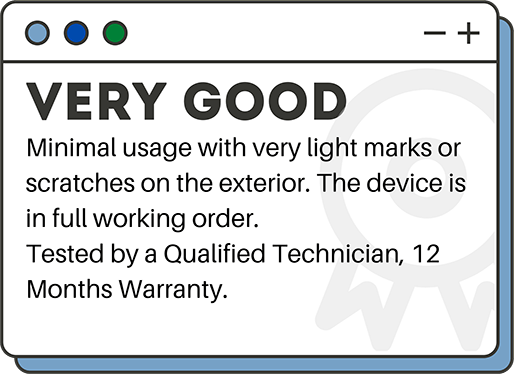
| Grade | Very Good |
| Colour | Black |
| Model | Does Not Apply |
| Type | Desktop Monitor Bundle |
| Warranty | 12 Months |
| Operating system | Windows 11 Home |
| Storage | |
| Processor speed | 3.6GHz |
| Graphics card | Nvidia GeForce 1650 |
| Ram size | 8 GB |
| Optical drive | No |
| USB ports | Yes |
| Bluetooth | Yes |
| Connectivity | Ethernet, Bluetooth |
| Features | Built In Fans, Nvidia GeForce 1650 |
FAQ
How long will a gaming PC last?
The lifespan of a gaming PC can vary depending on several factors, including the quality of the components, usage patterns, and maintenance. A well-maintained gaming PC can last for around 3-5 years before it needs upgrading or replacement, while some high-end systems can last longer.
One of the primary factors that affect the lifespan of a gaming PC is the quality of its components. Gaming PCs require high-quality components, such as a powerful CPU, GPU, and plenty of RAM, to handle the demands of modern games. High-quality components from reputable brands are generally more durable and have a longer lifespan. However, if the gaming PC has low-quality components, it may require replacement or upgrades sooner than expected.
Usage patterns can also impact the lifespan of a gaming PC. Computers that are heavily used for gaming or other demanding tasks may wear out sooner than those used primarily for basic tasks like web browsing and word processing. Gaming PCs generate a lot of heat, so proper cooling is essential to prevent damage to the components. Regular maintenance, such as cleaning the computer and checking the cooling system, can help to extend the lifespan of a gaming PC.
Which PC is best for gaming?
When it comes to gaming PCs, there is no one-size-fits-all answer as the best option for you will depend on your specific needs and budget. However, there are a few key components to consider when looking for a gaming PC.
The first component to consider is the graphics card (GPU), as it is the most important component for gaming performance. A powerful GPU will allow you to play games at high resolutions and frame rates, providing an immersive gaming experience. Some of the top GPU brands for gaming include Nvidia and AMD.
The CPU (Central Processing Unit) is also an important component to consider for gaming, as it affects the overall performance of the computer. Intel and AMD are the top brands for CPUs, with Intel typically providing slightly better performance in gaming applications.
In addition to the GPU and CPU, other important components for gaming include RAM, storage, and cooling. A minimum of 8GB of RAM is recommended for gaming, with 16GB or more providing better performance. A solid-state drive (SSD) is also recommended for faster loading times and better overall performance. Finally, proper cooling is essential for gaming PCs, as high-performance components generate a lot of heat.
Is PC gaming more powerful than console?
Gaming PCs generally have more powerful hardware than consoles. This means that games can be played at higher resolutions and with better graphics, providing a more immersive gaming experience. Additionally, PC gamers can upgrade their hardware over time, allowing them to keep up with the latest technology and maintain high performance. Secondly, gaming PCs offer more flexibility and customization options than consoles. PC gamers can choose from a wide range of games, including many that are not available on consoles. They can also customize their hardware and software to their liking, such as adding a specific keyboard and mouse or using different software to enhance their gaming experience. Finally, gaming PCs are generally more versatile than consoles. In addition to gaming, they can be used for other tasks such as work, web browsing, and media consumption. They also offer more options for multiplayer gaming, such as playing with friends online or on a local network.
What specs should I look for in a gaming computer ?
When it comes to gaming, the most important specs to look for in a computer are the CPU, GPU, RAM, storage, and cooling. Here is a breakdown of what to look for in each component:
CPU (Central Processing Unit): A powerful CPU is important for gaming as it affects the overall performance of the computer. The best CPUs for gaming are Intel Core i5 or i7, or AMD Ryzen 5 or 7.
GPU (Graphics Processing Unit): The GPU is the most important component for gaming, as it is responsible for rendering images and videos. Nvidia GeForce and AMD Radeon are the top GPU brands for gaming.
RAM (Random Access Memory): Gaming requires a minimum of 8GB of RAM, with 16GB or more recommended for optimal performance.
Storage: A solid-state drive (SSD) is recommended for gaming as it provides faster loading times and better overall performance. A hard disk drive (HDD) can also be used for additional storage.
Cooling: High-performance components generate a lot of heat, so proper cooling is essential for a gaming PC. Liquid cooling systems or fans can help keep the components cool.
Other components to consider include the motherboard, power supply, and peripherals such as a gaming keyboard and mouse. When choosing a gaming PC, it's important to consider your budget and the types of games you will be playing.
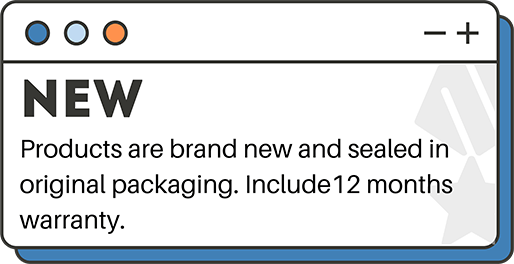
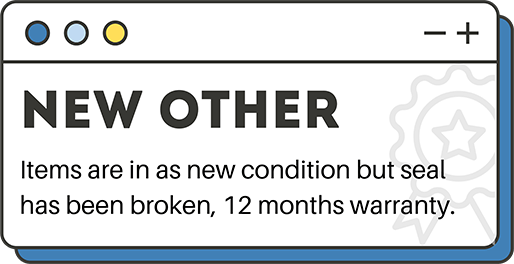
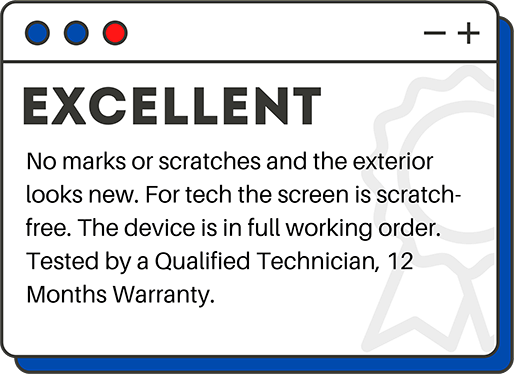
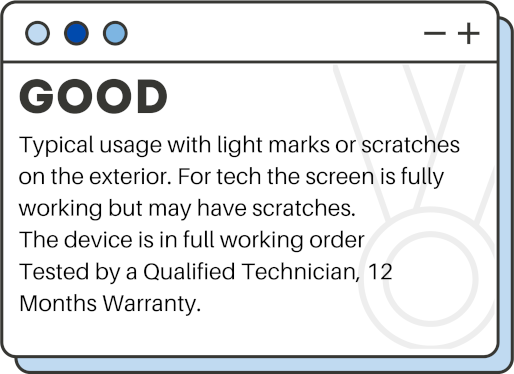
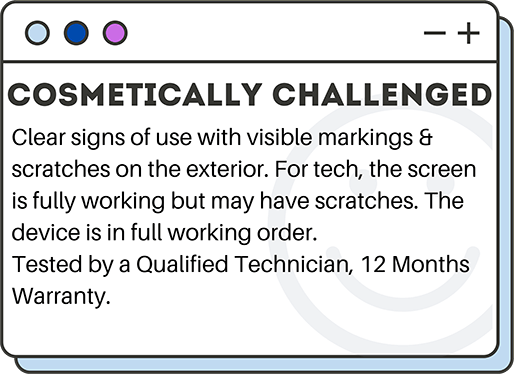
Grading Explained

Related Products


MSI Cubi Intel Silver Barebone PC 8GB RAM 256GB Win 11 Compatible HDMI


Acer Aspire XC-840 Intel Pentium N6005 8GB RAM 256GB SSD Windows 11 Home


